Research
Domain Overview
Point it at any domain — yours, a competitor's, or a publication you want a mention from — and see its organic search footprint at a glance.
Analyzing a domain
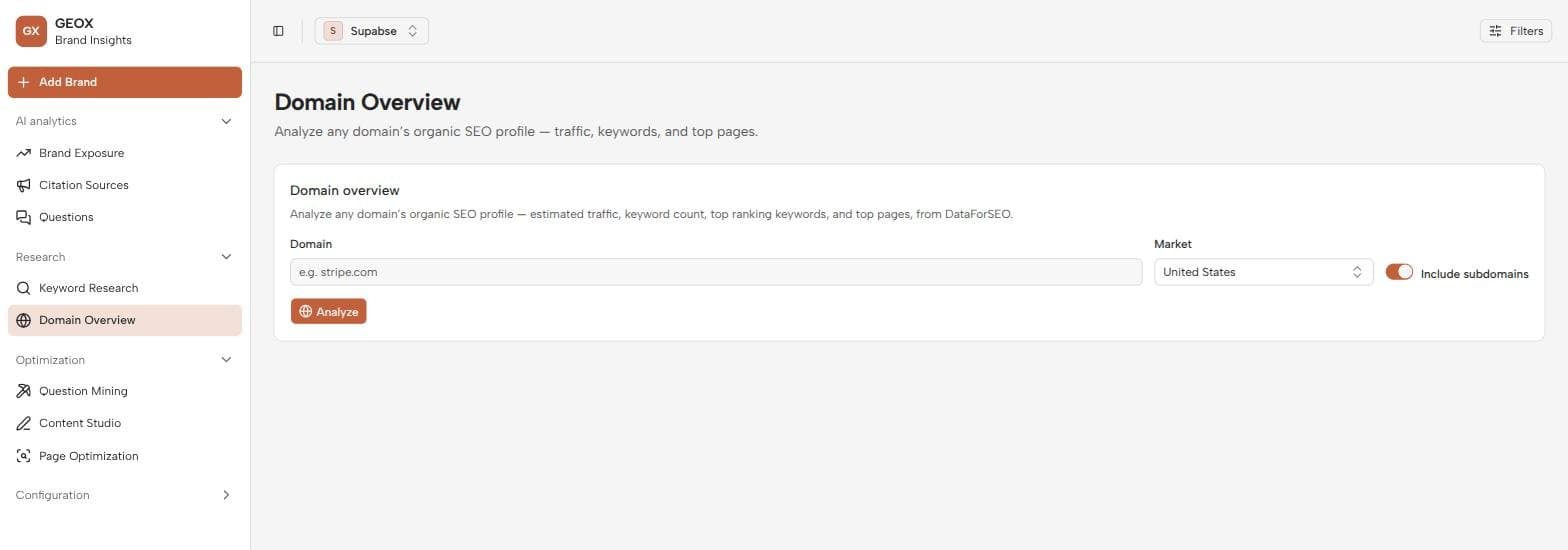
- 1
Enter a domain
On Domain Overview (sidebar → Research), enter a bare domain like competitor.com — no protocol or path needed.
- 2
Read the summary cards
The stat cards summarize the domain’s organic presence: how many keywords it ranks for, estimated traffic, and how that position is trending.
- 3
Toggle between keywords and pages
Two views share the results area: Top keywords — the queries the domain ranks for, with position and volume — and Top pages — the URLs doing the heavy lifting.
Three ways to use it
- Reverse-engineer competitors. Their top pages show which content earns their visibility — the same assets AI engines tend to cite. Their top keywords seed your own Question Mining runs.
- Vet outreach targets. Before pitching a domain from Citation Sources, check whether it actually has an audience worth the effort.
- Baseline your own site. Your top pages are your best candidates for Page Optimization tests — pages that already rank are the cheapest ones to make citable.
Like Keyword Research, this page uses live search-data providers (credits per lookup, cached on repeat) and involves no LLM. If a domain returns no data, it simply has little measurable organic presence in the selected market.