Getting started
GEOX Documentation
GEOX measures how AI assistants talk about your brand — and gives you the tools to improve it. This guide walks you through every feature, step by step.
What is GEOX?
When people research products today, they increasingly ask an AI assistant instead of a search engine: “What’s the best project management tool?”, “Which CRM should a small team use?”. Whether the AI mentions your brand in its answer — and how prominently, and in what tone — directly affects whether those buyers ever find you. Optimizing for that is called Generative Engine Optimization (GEO), the AI-era counterpart of SEO.
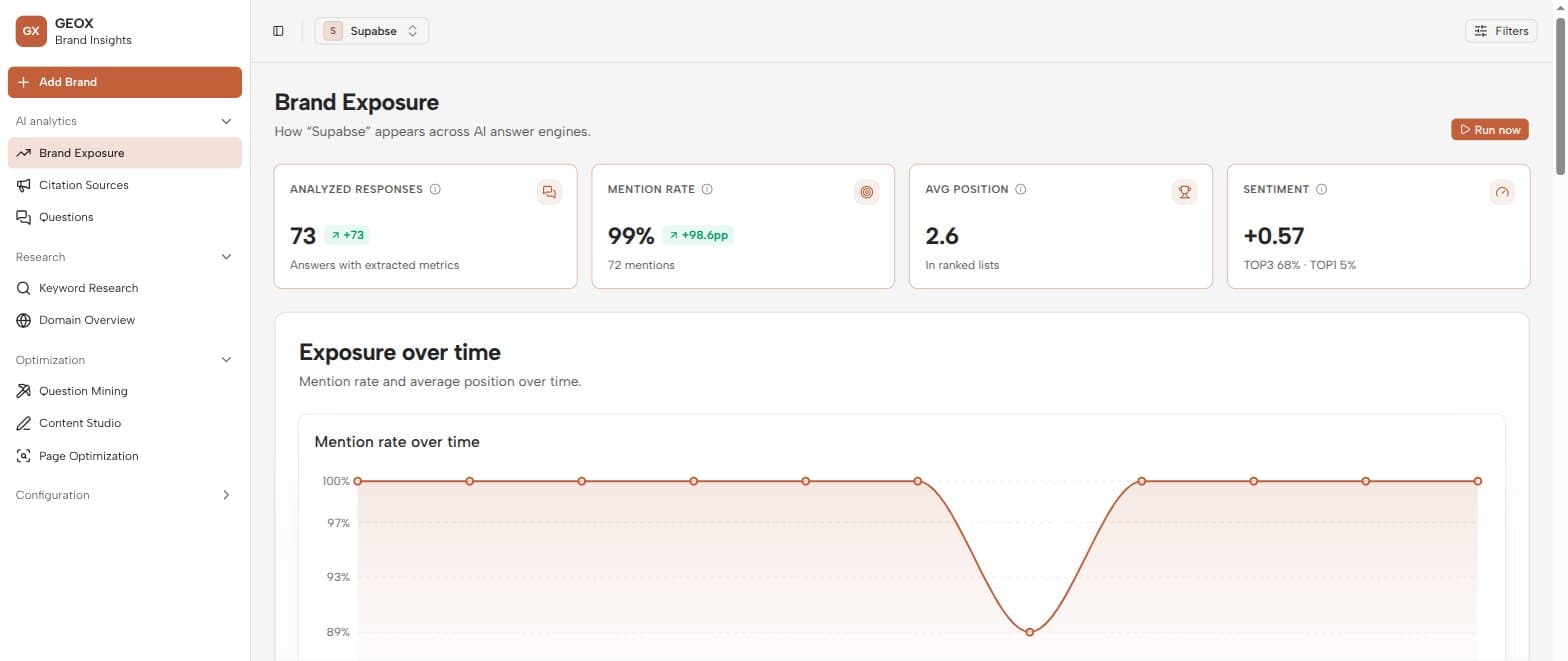
GEOX makes GEO measurable. Instead of guessing whether ChatGPT or Claude recommends you, GEOX asks them — for real, on a schedule — stores every answer, and turns those answers into metrics you can track over time: mention rate, ranking position, sentiment, and the sources AI engines cite.
The core idea — one loop
Everything in GEOX feeds a single loop:
Questions
What your customers ask
AI engines
Up to 10 flagship models
Answers
Stored verbatim, forever
Metrics
Mention · rank · sentiment
Analytics
Trends you can act on
On top of the measurement loop sits an action loop: mine the questions buyers actually ask (Question Mining), create content engineered to be cited (Content Studio), test whether your pages actually get cited (Page Optimization), and work it all as a prioritized backlog (Tasks).
The engines GEOX queries
GEOX can query up to nine AI answer engines, one flagship model each. The first three run by default; the rest are opt-in per brand on the Settings page.
| Provider | Model |
|---|---|
| Anthropic | Claude Haiku 4.5 |
| OpenAI | GPT-5.4 mini |
| Gemini 2.5 Flash Lite | |
| xAI | Grok 4.5 |
| DeepSeek | DeepSeek V4 Pro |
| Alibaba (Qwen) | Qwen3.8 Flash |
| Moonshot (Kimi) | Kimi K2.5 |
| Z.ai (GLM) | GLM-5.1 |
| MiniMax | MiniMax M3 |
Analytics label answers by provider (Anthropic, OpenAI, Google…), and the platform filter in the top bar lets you slice any page down to a single engine.
Explore the docs
Getting started
Quick start
From sign-up to your first analytics in about ten minutes.
Getting started
Core concepts
Brands, questions, topics, runs, responses, and metrics — the vocabulary.
Getting started
Collections & scheduling
How answers are gathered: the two-pass pipeline and the three ways to trigger it.
Getting started
Navigating the dashboard
The sidebar, the brand selector, and the filters that apply everywhere.
AI analytics
Brand Exposure
KPIs, trends, platform performance, competitor share, and gap analysis.
AI analytics
Citation Sources
The domains AI engines cite — and how to turn them into outreach targets.
AI analytics
Questions & answers
Browse every stored answer and drill into a question's full history.
AI analytics
Metrics reference
Exactly how mention rate, position, sentiment, and the rest are computed.
Research
Keyword Research
Real search volume, CPC, and difficulty for any seed keyword.
Research
Domain Overview
Any domain's organic footprint — top keywords and top pages.
Optimization
Question Mining
Expand a seed topic into the questions buyers actually ask AI.
Optimization
Content Studio & GEO score
Generate or rewrite citation-ready content, graded 0–100.
Optimization
Page Optimization
Test whether your pages get cited, then fix the technical layer.
Configuration
Brands & competitors
Manage brands, tracked questions, and the rivals you measure against.
Configuration
Tasks
The prioritized GEO backlog every insight feeds into.
Configuration
Progress Report
A client-ready before/after report, exportable to PDF.
Configuration
Settings & credits
Per-brand engines, market, knowledge base — and your credit balance.
Configuration
Alerts & brand knowledge
Automatic change notifications and the facts that ground generated content.
Help
FAQ & troubleshooting
Empty analytics, missing citations, count mismatches, and other gotchas.